
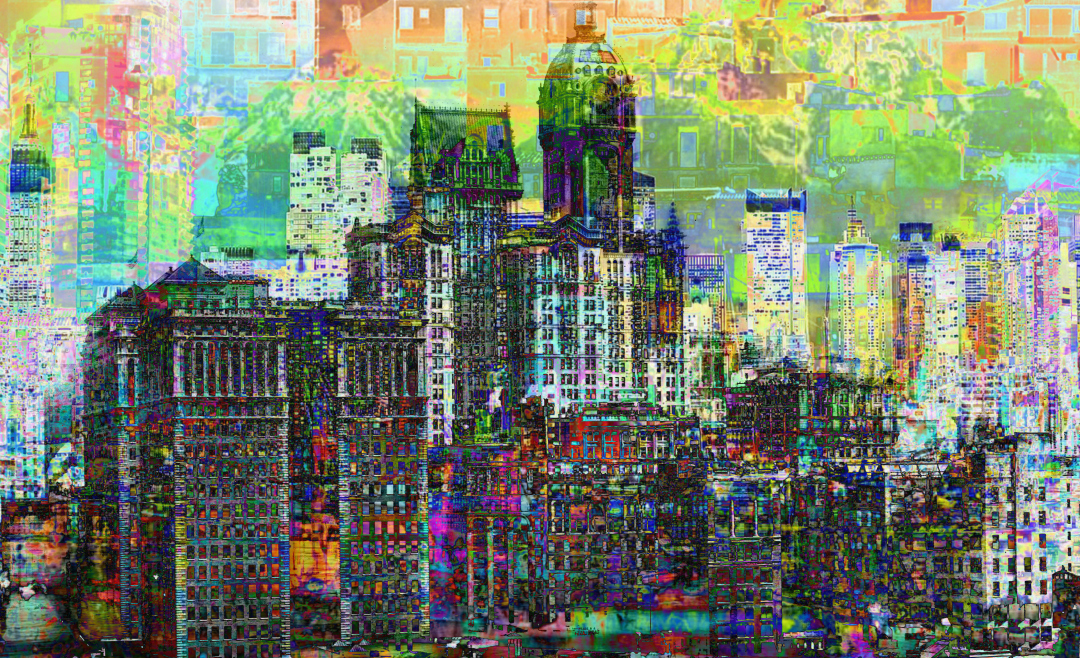
It’s always exciting to see new digital art tools hit the market. But in 2017, it feels like there’s something extra-special in the air.
Right now, merging technologies are ramping up digital art software like never before. We’re seeing better representation of traditional art techniques, better interpretation of digital artists’ strokes, and new virtual environments for art creation.

01. Google Autodraw

It is an A.I.Experiments, Corel isn’t the only big player experimenting with AI drawing technology right now. In April, Google brought out its own intuitive art tool in the form of Autodraw. Autodraw specialises in taking amateur doodles, matches them with images in its database, and then transforming them into something slicker.
While it is a digital art tool, it’s not one aimed at digital artists. In fact, it’s primarily for people who are no good at drawing at all. Still it’s free to download to your phone or desktop, and a lot of fun to play around with.

02. Corel Painter 2018

Corel Painter is an established name in digital art software, with its makers keen to funnel user feedback into each new iteration. And the 2018 version, released last month, fits right into that mould. Its most talked-about new feature is Thick Paint, aimed squarely at artists from a traditional painting background.
When used in combination with a new selection of brushes and palette knives, Thick Paint enables you to apply digital paint in layers, which means you can pull, push, scrape and build it up with your stylus in a way that’s significantly closer to the physical experience of slapping actual paint on a canvas.
Other additions to the 2018 version include a new range of 2.5D Thick Texture brushes and a new Natural-Media brush library. Plus there’s the Texture Synthesis tool, which lets you select a particular area of an painting and tell Painter to automatically generate a larger image based on its texture.
03. Rebelle 2
We’ve long been fans of Rebelle, a popular budget painting tool from Escape Motion. It’s essentially a decent, cut-price version of Corel Painter with some cool little features all of its own, such as the Blow tool, which simulates your breath on the digital canvas in a similar way to how it would affect wet paint. Released in April, the latest version of Rebelle follows its pricier rival in bringing traditional and digital painting practices ever closer together.
05. Google Blocks
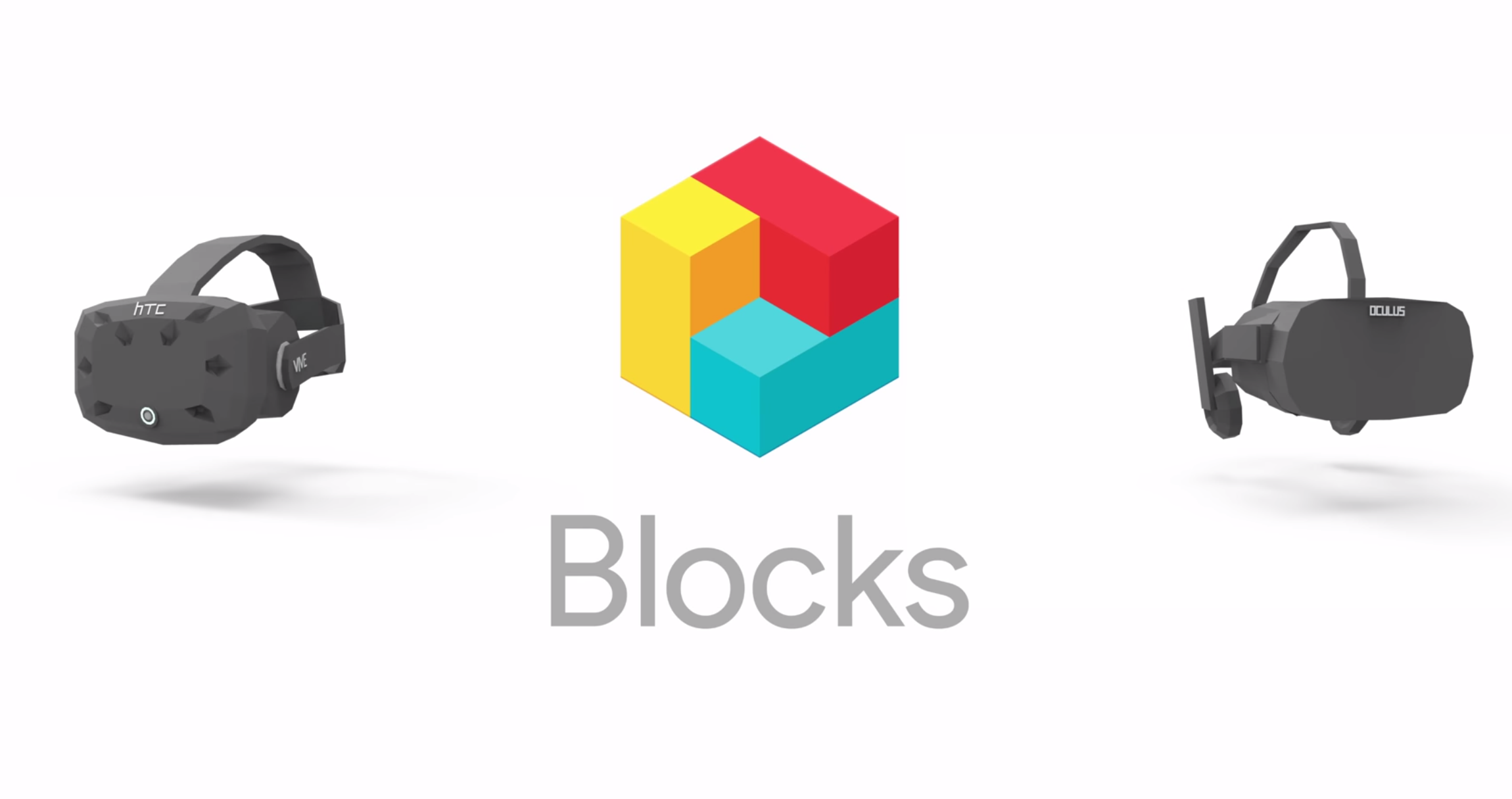
If Autodraw is aimed at amateurs, Google Blocks, released this month, is a lot more interesting for pro artists. Available for free on the Oculus Rift and HTC Vive, Google Blocks aims to help you make colourful, low-poly, 3D art in virtual reality.
Blocks is as intuitive in use as Google’s other popular VR drawing program, Tilt Brush, which it complements rather than replaces. And it can be used to make some pretty impressive artwork, as its website’s gallery demonstrates.
Once you’ve completed your artwork, you can export it to VR and AR software as an .obj file, or show it to everybody on the web in the form of an animated GIF.


No comments:
Post a Comment